Will this play Stereo files, or is it a mono machine? Could you link multiple modules to playback stereo or larger surround mixes? I use a Tesseract Nutella which uses a Robertsonics Tsunami as its core (ARM Cortex M7) and would like to replace it. The Tsunami can play 32 files at once through the Nutella’s 8 audio outs. There is some latency of course, but I use it for sonic washes and background textures so timing is not a problem. Stereo files are a minimum though.
thank you! just now starting to play through all the live set ymls on both mm’s at the same time (typically i’ll play odd number ymls on the left mm and evens on the right mm, but for this test, going through them all on both) and so far no crashes.
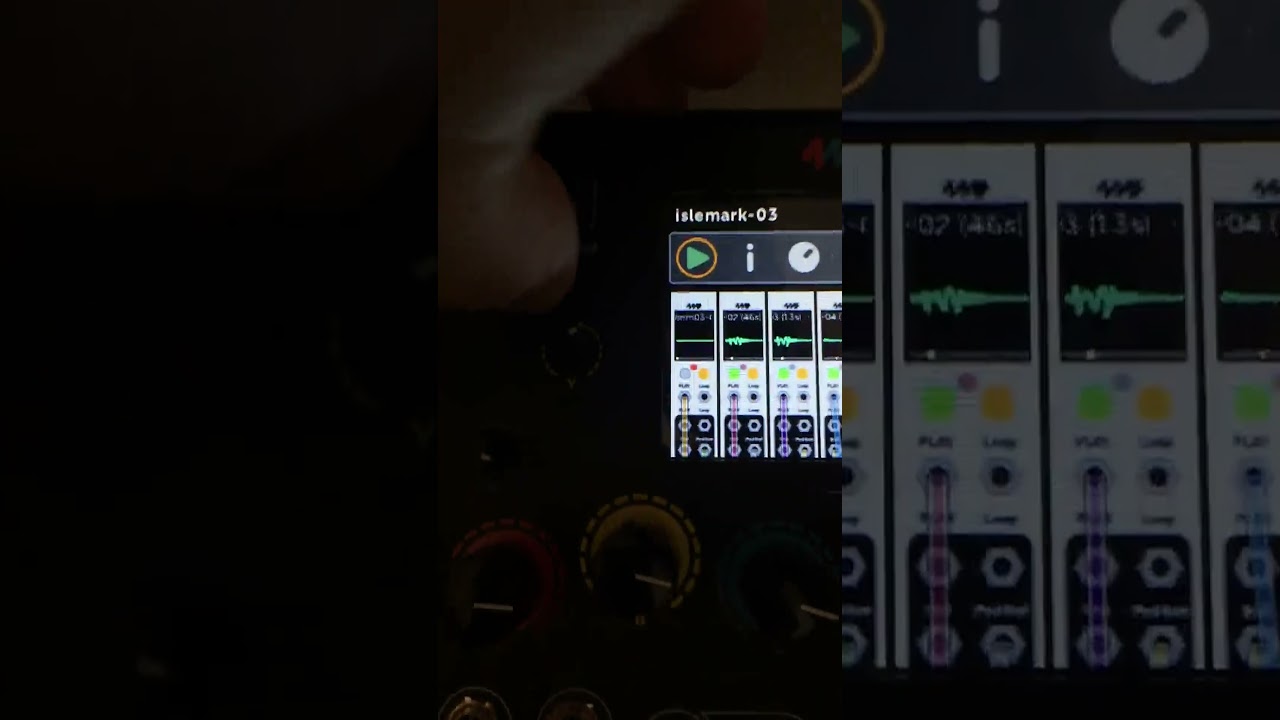
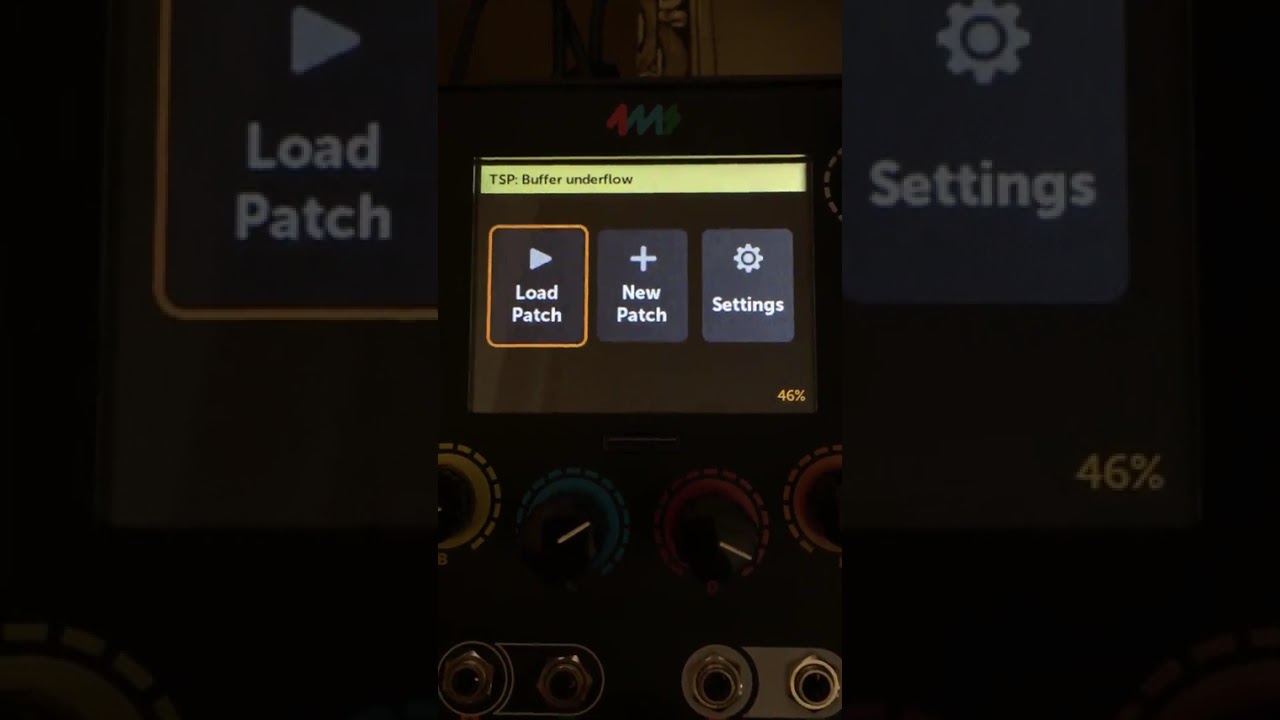
but i ran into the following issues playing through: when i got to patch 10 on the right mm, the patch played fine for a few minutes, and then suddenly all tsps started buffer underunning at the exact same time, i noticed the little occasional flashes of red on the button play sporadically happening, and the underrun message was popping up at the top too. when i hit stop on one of the tsps, then the remaining 5 tsps suddenly started behaving ok again. if i turn the one i turned off back on, they all start freaking out again (i all noticed this problem happening occasionally before via previous tsp firmwares)
so i then loaded/ran yml 11 on both mm’s. the same issue happened after a minute on the right mm whereas the left mm played patch 11 100% ok.
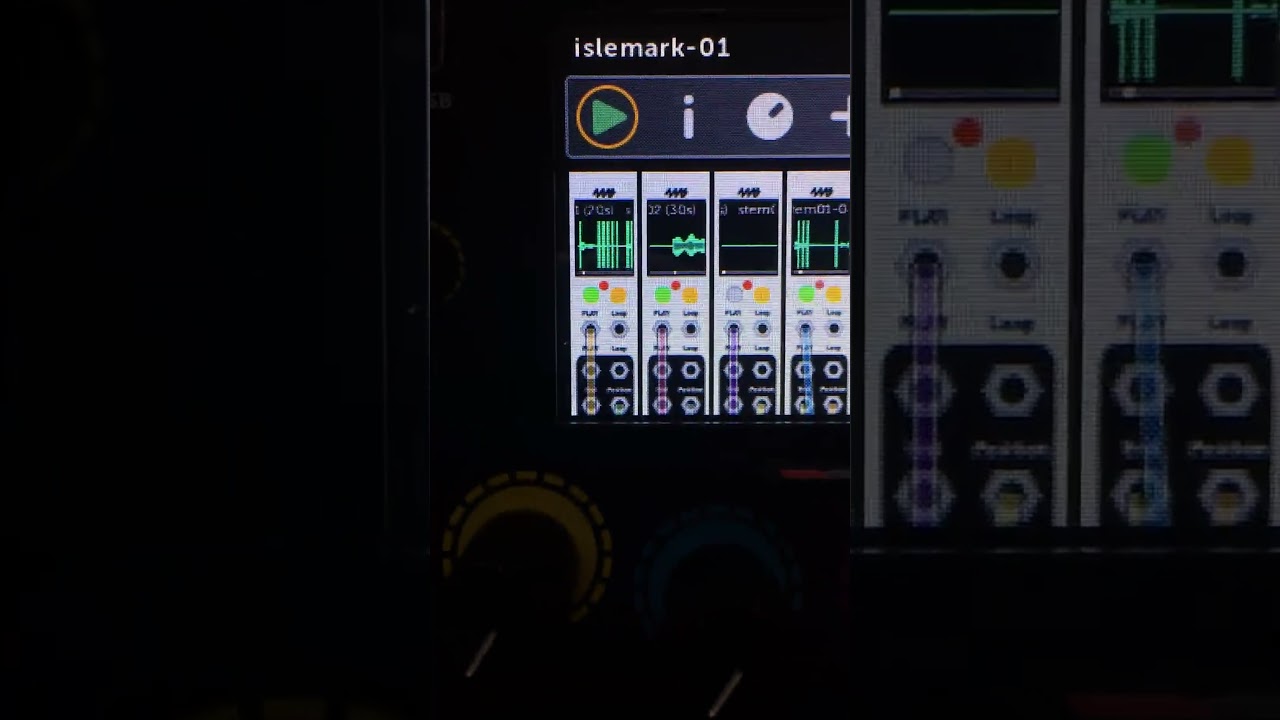
then on the right mm, i decided to load 01 again just to see if the problem was going to keep happening (even though i’d already played 01, without this problem) and here’s what happened:
it seems the 1st and 4th tsp’s are both really glitching out hard, but between the glitches i can here that they are both playing the wav file that’s loaded into tsp 4. on the left mm, i loaded patch 01, but this problem is not there. you can here on the left mm tsp1, that the sound should be a pad. so this bug may be related to the one i posted about earlier where it seemed that 2 tsps are both trying to pull from the same buffer somehow?
after recording that video, i played yml 12 and the problem seemed to vanish on the right mm. then i tried playing yml 01 again and the problem was not there. i then tried yml 10 and 11 again, the ones i also had problems with, and the ‘all tsps glitching out simultaneously’ problem was not there. so it seems the tsps/mm gets into a weird state but not permanently until reboot.
note: i did not reboot the mm’s once during this whole test
the tsp plays stereo files (wav only, and i haven’t really tested with anything other than 44khz/48), i’m not confident atm that it would play 18 stereo files simultaneously from the sdc like the tsunami can.. but hopefully eventually it will be stable enough to do 6 as, at least for me, that’s been a sweet spot for getting a lot of aleatory with stems.
Well, I had to try it… but I just made a patch to play 32 stereo files, and it works (at least on the current development version I’m working on). The files in total have to be small enough to fit in the ~300MB of RAM available, and they have to be already resampled to the MetaModule’s playback rate (48kHz in this case). For my test, I had 32 samples, each one each one 6-10 seconds, plus some mixers, and patch load was 85% (block size 16). It’ll add a little overhead to have mappings for each sampler’s Play button/jack (I just have them looping), it might get close to the 100% limit.
If don’t resample the files and want to rely on the MM to resample as I stream, then I’m only able to play around 24 stereo samples, each one 6-10 seconds, simultaneously with resampling from 44.1kHz to 48kHz.
I have never played the Nutella with that many files at one time, so that is a real extreme case for sure. I often play up to 8 tracks at time (4 stereo pairs of layered sequences and tonal stuff) streaming off the microSD card. My files are typically quite large as they are often background timbres, so streaming off the card or other media is important for me. I understand the needs of people thinking of these sort of modules as percussion instruments and not file players, so their demands for low latency is MUCH more than mine are. For me, and my admit-ably narrow use case, long file time are more important than latency.
Oh yeah, streaming 4 large stereo files is not a problem. We are finding some SD cards are better than others, and USB 3 drives seem to work even better (at least mine does). But you can also set the buffer pretty large since it’s split between only 4 stereo files, and that will smooth out SD card issues.
Sweet. I planned on using the MM for processing the Nutella for those shows that discourage the use of my iPad (mainly Module On The Spot shows), but if it can play files too, I may use it for everything.
BTW Dan - in case you didn’t know, this is James from Synthwerks. Glad to see you are still thriving in the modular world!
oh wow 32 that’s impressive! was that using the sandisk or the delkin sdc? or a usbc drive?
also did you reformat the drive in any particular way before the test?
i want to try a couple more things, such as swap the sdcards on the mm’s to see if the issue happens on the left mm instead of the right one (maybe narrow it down to something with the sdc).. also maybe i could try reformatting the sdcs to see if that solves anything. is there any particular best way to reformat these? ive been using quick format checked (built in windows formatting tool) with default allocation and fat32 (default)
i recently had 4 40min to an hour long 48khz wavs looping and the patch seemed to work great. its when i start playing around 5-6 at a time off the sdc that im running into sporadic glitches.
Oh hey James! Yeah, I thought I recognized your username!
I was using the Delkin card, but it shouldn’t matter because I wasn’t streaming. I set the buffer for each player to be larger than the file size, and then hit play on each one, going one at a time and making sure the red light stopped flashing after it looped.
After that to test if it was repeatable, I saved the patch, rebooted, and re-opened it. It was able to load all the sample headers just fine (took maybe 5-10 seconds). Then I went through each module and pressed Play again (one at a time, waiting for the red light to stop flashing) and it worked.
I don’t know of any differences in formatting tools, as long as it’s FAT32 or ExFAT (and I don’t even know if one will perform better, SD cards are so variable in performance that I’ve never seen any difference between the two formats).
Yeah swapping the cards makes sense. I recommend the Delkin card, too. I haven’t had any buffer underrun issues with my 6 sampler patch since switching to that (knock on wood!)
But the issue with the wrong sample data coming out of a module is just strange, and sounds like a bug in the code, not an issue with cards. I’ll keep looking.
for steaming it might be worth trying with smaller capacity cards.
back in the days I was working on Axoloti, we found that streaming was much more reliable on smaller cards.
basically, users had a habit of grabbing large cards so they could store lots of samples, but then had issues when it came to streaming.
Johannes (creator of Axoloti) did explain to me,
iirc…
sector size increases as card capacity increases.
basically, we found small (4gb?) cards were great as I think they had small (512?) sector size, and as they got bigger, so we got more issues due to larger sectors.
all that said, this was over 5 years ago
so, likely things will have moved on, both for sdcards but also the controllers being used to read them
esp. as video cameras/drones etc require high bandwidth stream for recording purposes - which far out strip our audio requirements
(that said they do have internal buffering to allow for spikes)
I’ll also say, Ive noticed when using for video/drones, high quality cards are important. I’ve had issues with cheap cards.
anyways, might be worth trying smaller cards to see if it makes a difference.
That makes sense. And yeah, small cards are harder to find now. We started with 8GB cards, then 16GB, and now our vendor says they can’t even get under 32GB.
Also we are finding that the latest batch of SanDisk “Extreme” cards we got behave differently than previous batches. Hard to say… but the latest batch has an occasional slow read time (excellent average read time, but once in a while it just takes forever to return a block). Older cards from the previous batch don’t do this. I don’t suspect fakes since they’re in the original packaging and from a vendor we’ve purchased from for years, but who knows… They are technically on spec, since minimum read time is not specified, only average time.
@danngreen - a new issue (tsp-09 firm), saw it happen once yesterday, and then again today. the first tsp gets stuck. the play light stays grey and the read light stays red. all tsps seem to be glitching out until i turn off the 2nd one. not sure if this is related to the weird issue i mentioned most recently above but thought i’d mention regardless:
also right after that happened, i noticed the gui became unusually sluggish. then i loaded the yml after it in the series (04), and the tsp buffer underflow message at the top had become stuck:
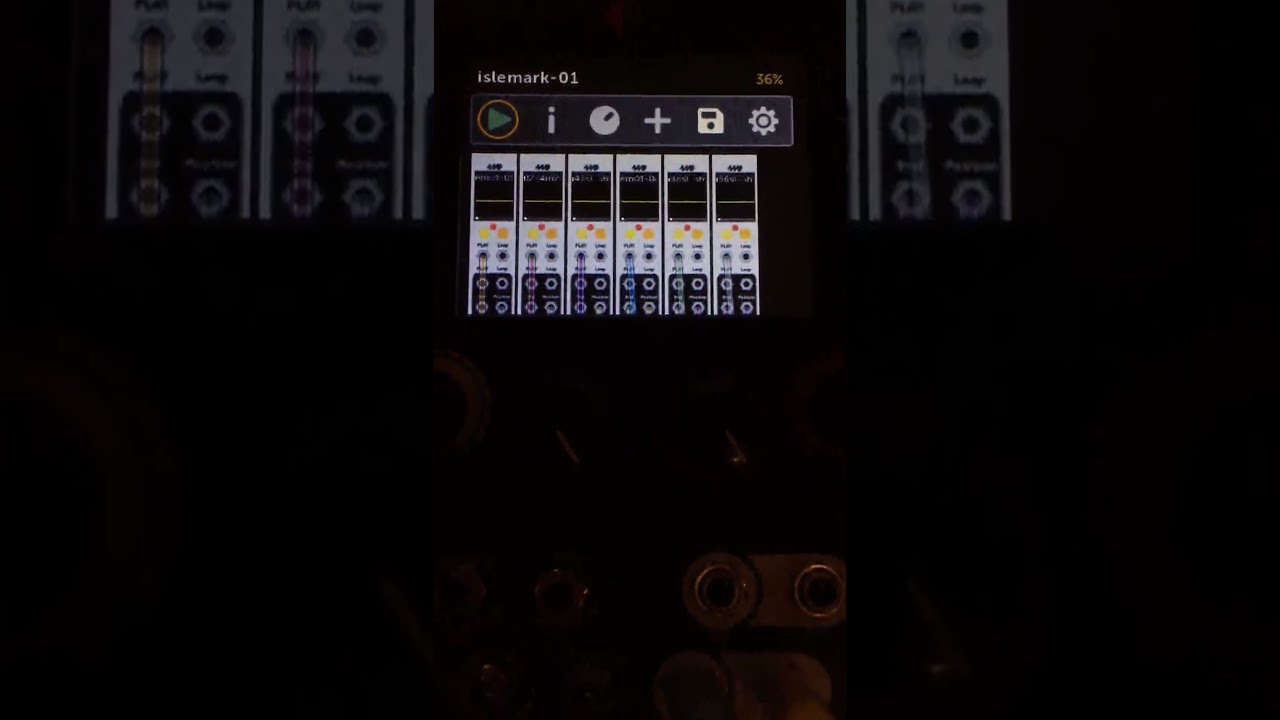
im actually often noticing that the gui is quite sluggish with 6 playing, even though the cpu only shows 44-46%. and the sluggishness (and often the full on glitch outs) typically starts to occur after all 6 have been playing for a few minutes. if i turn any one of the tsps off, the gui starts behaving normally again. this sluggish gui behavior will occur even when there aren’t buffer underruns. and will go away if i revert the patch or load a new yml.
i’ll try and get you a pm w a .rar of the .wavs/ymls here in a bit
also: my system is set to 48/512 (all wavs 48/16), not sure if any of that makes a difference. ive tried turning draw screens off but still same issues. if there are any other settings i should try let me know
Thanks, I’m trying this now, I reformatted a card that previously gave me a long read time every so often (sometimes in the first 10 minutes, but sometimes took >1 hour).
It seems to be working better, at least no glitches in the first 30 minutes… I’ll run it for a few more hours to be sure.
I found that happening, and it was because the SD Card stopped responding. The continually retrying was causing the GUI to get sluggish. I fixed that in TSP-10 by resetting the SD peripheral if it fails to respond:
With this version I can pull out the card while samples are playing, and then re-insert the card later and they’ll play fine when I press play (but I don’t recommend doing so! It just illustrates that the TSP is more resilient to SD card read errors).
Also the whole waveform turns red when there’s a disk or file error. It turns yellow if it’s buffering (so not necessarily a disk error but just that we’re trying to stream more than the card can supply)
i’ve got 6 long .wav files (i 8x’d the length of the ones i sent you for those tests) - upwards of 8minutes per. i’ve set the ‘max buffer size’ on all 6 tsps to 32mb. mm seems to crash if i go higher. anyway when i first load/run the patch, all tsps play their wavs fairly quickly. but after that if i stop playing a tsp, and then trigger play again, the tsp sits there in the yellow state for a long time before playing the file again. after they finally all turn green/start playing again(which can take a while), if i stop all tsps and then play again, 3 of them start playing right away, but 3 of them sit there in the yellow buffering state for a while. here’s a video showing the behavior:
is this normal behavior? it seems like they should always start playing/turn green fairly quickly after you trigger play on the tsp, as they do when the patch is first loaded/run. but maybe im not fully understanding the behavior of the tsp in relation to how max buffer size works.
also i’m curious what the correlation (if any) is between the buffer threshold and the max buffer size? or are those to two separate things?
Hmm, I can reproduce that, and it’s not supposed to happen. I’ll see what’s going on.
Sort of tangential: I notice even when you first start playing, the red lights are solid on, not flashing, which indicates the SD Card is not able to read fast enough so the buffers are being depleted more quickly than being re-filled.
So Max Buffer is the maximum amount of RAM you’re allowing the TSP to use. If the sample is smaller, then it’ll use only what it needs. If the sample is larger, then it’ll use that maximum amount and stream as needed.
Keep in mind all samples are converted to 32bit floats. So if the original file is 3MB of 16-bit samples, then the resulting memory usage will be about 6MB.
Buffer Threshold tells how much buffering it should do before starting to play. That is, how far ahead should it try to buffer. Say the Max Buffer is 4MB and the sample is much larger than that. If you set Buffer Threshold to 20%, then when you first press play or load the patch it’ll read 20% of 4MB or about 0.8MB of data before playing. The light turns yellow when it’s buffering and not playing.
As you play the sample, it’ll keep trying to maintain at least that 0.8MB of buffer beyond what’s already been played. Since it reads sample data in blocks, when it sees that there’s under 0.8MB of samples available in RAM then it’ll read ahead another block. Then it waits for the playback to bring it down to 0.8MB and then reads some more, etc.
On the other hand if you had set the Buffer Threshold to 80% then it would read 3.2MB of data before playing. This takes longer of course, so latency is higher. But the benefit is that if other modules are also using the SD Card then it’s not such a big deal because we have 3.2MB of samples to burn through while waiting for our turn to read from the SD Card.
interesting, very good to note on what solid red means. ive seen this before but wasn’t getting any audible glitches or underflow warnings when all tsps were solid red. the patch from that video, i played it again - if i let all tsps play out for while, after a minute or so, 3 of them started flashing normally and only 3 are left solid. but now again, after 5-8 minutes of letting the patch run, no underflows.
also if i stop play on the solid red ones, start play again (wait 30+ seconds while they are yellow) when they finally start playing again, they started flashing red. but then after a minute or so the 3 that were initially solid, turned solid again. not sure if that behavior is indicator of anything, maybe the disk is just slow or one of the cores can’t deal with the disk properly?
also great to know. i’m curious, is there any reason why it must convert them to 32bit? doesn’t that put more strain on the streaming from disk since files size is doubled?
awesome, ty for that thorough explanation. that makes total sense now!