if you have a link, i’d be very interested to check it out. just did a search there for “best micro sd card” and nothing came up pointing to a discussion about that specifically.
People having problems glitching when playing other samplers seem to have good results with a particular Delkin card.
https://www.modwiggler.com/forum/search.php?keywords=delkin+sd+card
Thanks, I’ll try that one. It’s the same speed class and specs as I’m using but the minimum read speed might be better, so worth a try.
Robin Vincent’s (Molten Music Technology) YouTube review of the DistingEx shows his glitching being fixed by replacing the SD card
ah ok it’s the Delkin HYPERSPEED UHS-I (V30) microSD Memory Card
i’d love to know if you have better results with this one (before i order it)!
FWIW, the Dirtywave M8 streams samples off the card, and that community swears by Kingston Canvas Go Plus. That specific model. (”King stong” lol)
Piling on, FWIW same with the Deluge community and their admiration for this brand.
1 Like
i’m also running into an issue where, if i load the yml below, then load in 6 different wavs, then duplicate that yml (changing the name a bit, to build a playlist of patches), it then loses all the references to the wavs i just loaded.
Here’s an updated TSP: Release Firmware Version: firmware-v2.1.0rc1-TSP-08 · 4ms/metamodule · GitHub
I added the ability to change the maximum buffer size. The actual buffer will be shrunk down to the size of the sample itself if the sampler is smaller than the max. So, no wasted RAM if, for example, you set the max to 32MB and you’re only loading 1MB of samples per module.
Also, this is minor but it displays the sample time (min/sec) in the sample file name that scrolls by
Hmm… yeah I get that too. It looks like it’s not saving the module data correctly when the patch is duplicated. I’ll figure it out
1 Like
Got my card and I’m testing it out, will let it run overnight. I’m streaming 6 at once.
@danngreen - noticing an issue with TSP-08, sometime when loading a .wav, the play button is yellow and the file doesn’t load or play. im also noticing the play button is yellow:
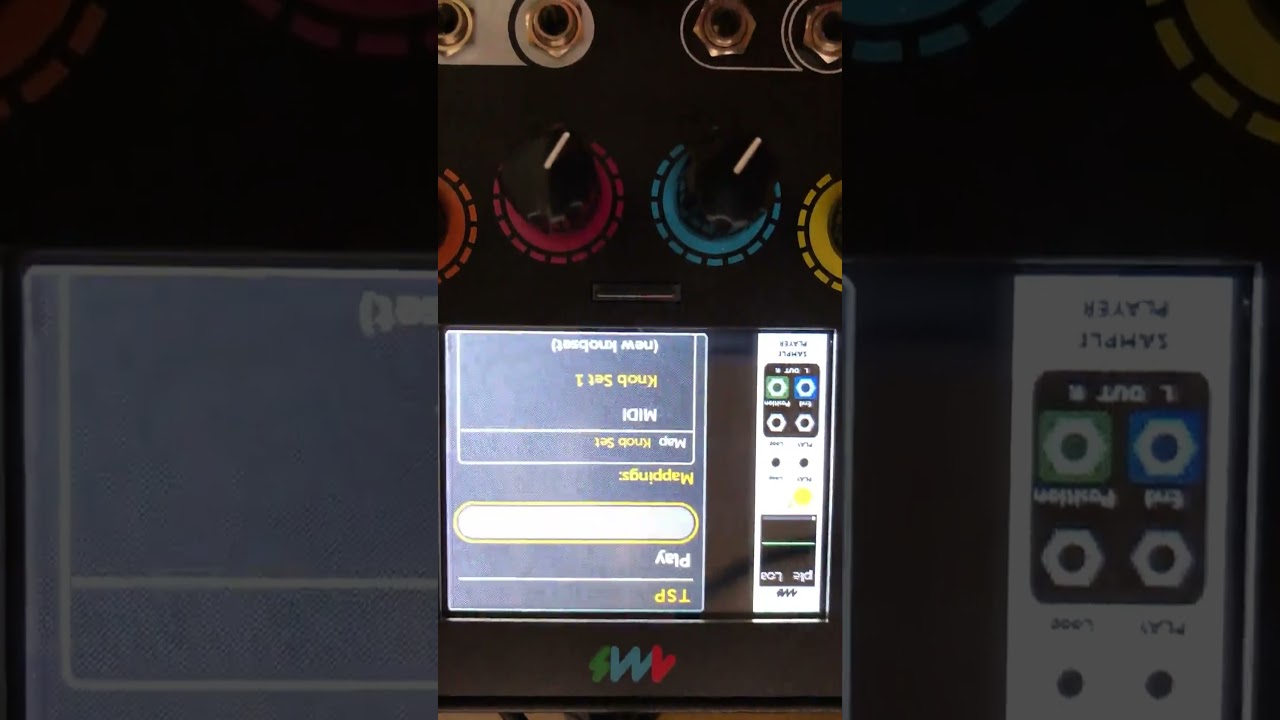
if i load/run this yml, some of the instances of TSP have that behavior right off the bat:
OK – the Delkin Hyperspeed card worked overnight!
I’m going to get a few more to make sure it’s not an anomaly but if it goes well, we’ll probably start shipping these cards with MetaModules from now on.
5 Likes
Hmm… Play button yellow means it’s buffering or reading the wav header which tells the name and sample length. Since in the video it always says “Load a Sample”, I’m guessing it’s stuck on loading the wav file header.
What happened previous to this video? Was the patch playing normally and then it just went to yellow on its own? Or did it turn yellow when you first opened and played the patch?
At any time since power-on did the SD Card get ejected? That might be related, I can get similar weird things to happen if I pull out the SD Card while playing. That’s one of my last TODOs on this module (make it more robust when the card is removed and re-inserted)
I’m trying various things to make this happen, but so far no luck…
i’m honestly not 100% sure. i believe first i installed the firmware, then i loaded tsp-6x.yml. i might have been playing with the buffer on one of the wavs loaded in one of the 6 tsps. that’s when i first noticed the yellow button and inability to load any sort of new wav.
next i tried a new blank patch, created 2 new blank tsp’s. on creation, one of them showed that yellow button. that’s when i caught the video.
after the video, i tried reloading the 6x.yml, that’s when i noticed about half of them had that yellow button on load.
having restarted the mm since then, im not running into this issue at this point.
i didnt pull out the sdc at all while the files are playing, nor have ever tried that yet (re: your statement in the first post “Pulling out the SD Card or USB drive while it’s streaming from them can do bad things”)
OK, thanks for the info. I’ll keep trying. I’ll post another version that fixes the wav file names getting lost soon.
awesome look forward to trying!
i will say, thus far this afternoon, have been having good success with 6x (48/16) 20-30minute long wav files playing all at once, all buff thresh’s set to 1mb. no underruns from the sandisk, including when accessing/scrolling the file menu and loading new wavs in.
there was only 1 file that underran - when i tried loading and playing a 96khz/24bit file. but up’ing the buffer seemed to fix the issue on that tsp. going to keep trying some different things but so far so good! also haven’t run into that ‘weird yellow button on load’ issue again yet.
1 Like
one small thing/suggestion: its bit difficult to quickly pinpoint which tsp is struggling, say for if when there are a bunch of tsps in a row.
would be great if that button could maybe turn solid red? or some other obvious visual feedback on the tsp (the black screen behind the waveform display could turn or blink red?). that could better help users quickly identify and jump to the problematic tsp to up the buffer.
also @danngreen i converted one of my previous live set templates (using canard) to use tsp’s just to see how that would work. as i run down through the ymls (im truning on all the tsps and letting each play for a few minutes), im getting random crashes upon loading+playing. first crash occurred at #04. the second run through getting crashes around #08.
edit: here’s an example video of it happening:
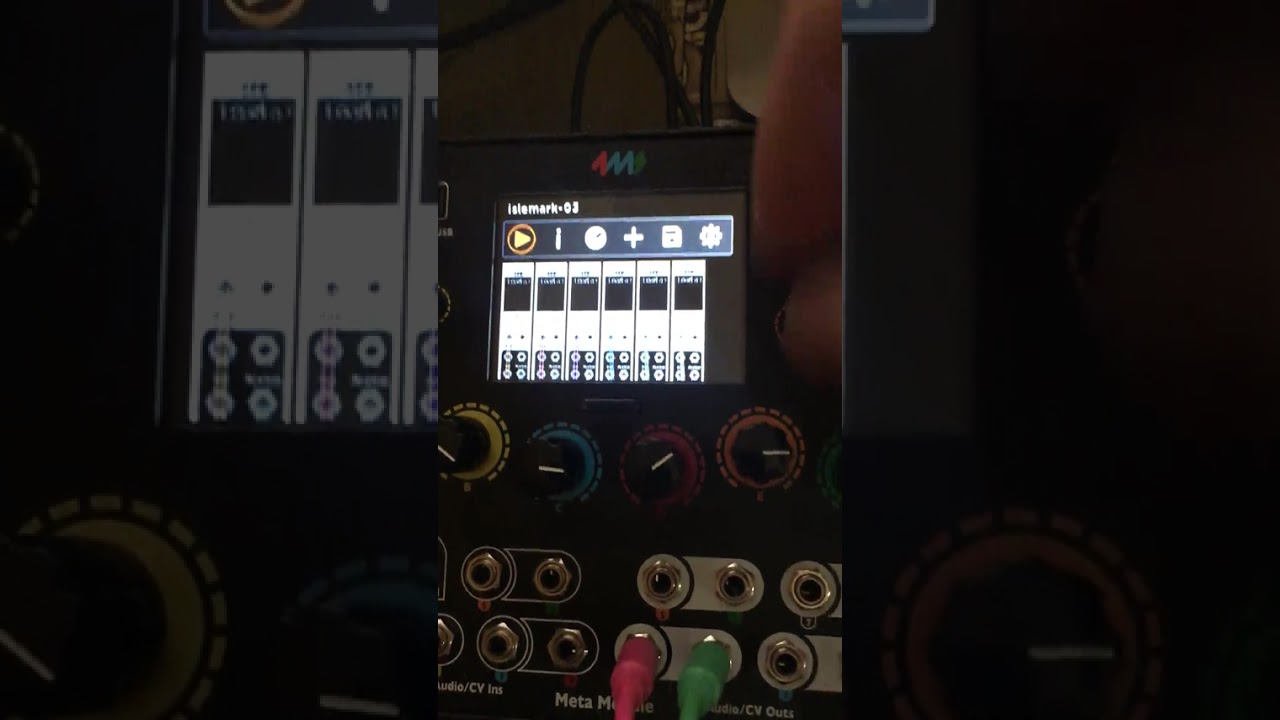
all tsp instances are set to a buffer of 1mb and a thresh of 80%.
(if you want, i can pm you a link to the ymls/wav files)
edit2 (site won’t allow me 3 replies) ::
also on occasion i’m noticing an odd random behavior where the tsp’s 1 and 2 in my patches end up playing from the same .wav file, both highly glitched out. this bug always occurs right when i load/run the patch and start triggering play in order from tsp 1 to tsp 6. in all cases, it’s the 1st 2 tsps(top left) in the patch. im just using the TSP-6x.yml for my templates.
no underrun message is popping up from the top while this is occurring. the display shows that the filenames are of 2 different files, but the sounds coming out of both tsps are the same, and each tsp’s output is highly glitched out. as if they’re both pulling/streaming from the same file. if i adjust the max buffer, that doesn’t seem to fix.
(will update here once i have a video capture of this)
Yeah, I have it turning red if it hits certain errors, and yellow for other errors. But as you noticed, the yellow is kind of green-ish, so I can make that stand out more. And maybe add more colors. Changing the waveform background is a nice idea, or something like that.
im getting random crashes upon loading+playing. first crash occurred at #04. the second run through getting crashes around #08.
I might know what this is, as I hit it myself, and I’ve been working on it… It has to do with multiple TSPs allocating memory at the same time.
Hm… ok now that’s a new one, I haven’t seen that. It could be the bug I’m working on now… I’ll try to get this fix wrapped up so you can start testing it