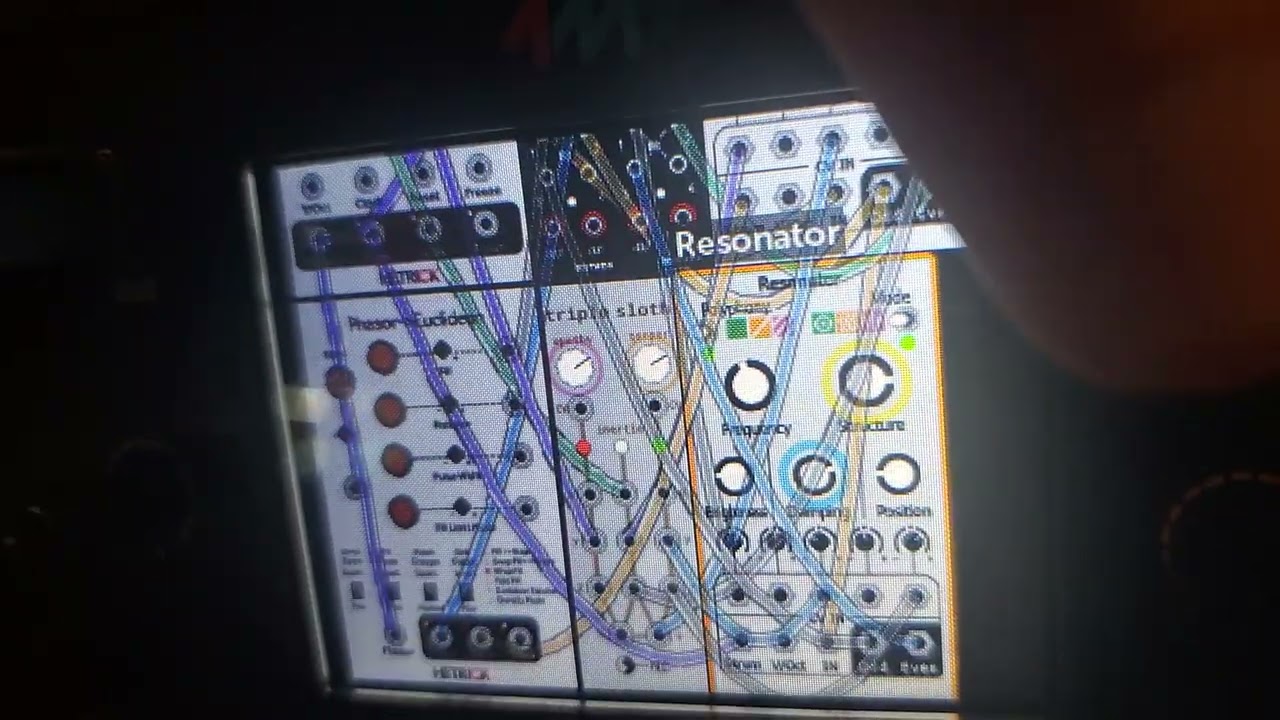
to help rule out a bad card (i formatted that recently, and that fixed my issue described a few posts back) I am saving the patch to the internal memory, rebooting, and the module resets to another patch. To clear the persistent patch memory I am “unloading” patching that are running by starting a new patch.
For the love of Sloths, I don’t want them loading when I boot up!
After this FW update I have done a full reset, formatted the memory card, reinstalled the FW, loaded patches to the card and internal memory, and just about anything else I can think of except backgrading firmware.
here’s a thread where we discuss being able to set a default startup patch (or no patch at all on startup). hopefully we can see this feature in mm at some point:
You have to have the patch play for at least 60 seconds before it saves it in the settings. This delay is done to avoid writing the settings file a lot if you quickly cycle through patches. But – I’m going to change the way this works because the auto-saving of the settings file causes a glitch when using streaming sampler modules. I probably should have made the Reboot button automatically save the settings file before rebooting, that would have made sense. But in the next revision it’ll save when you save the patch
Hmm… further investigating this, it seems sometimes if the patch file is on the USB drive, the drive is not ready in time and the initial patch won’t load. I think I can fix this (but also realize it’s not the issue you’re seeing since you have the patch on the Internal drive)
This happend first on the SD card, and things were active for much longer than 60 seconds… but I did not possibility that long on the internal saving. I think I did though.