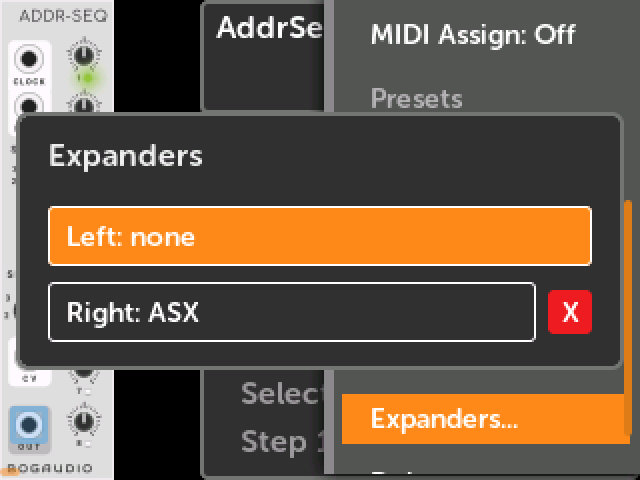
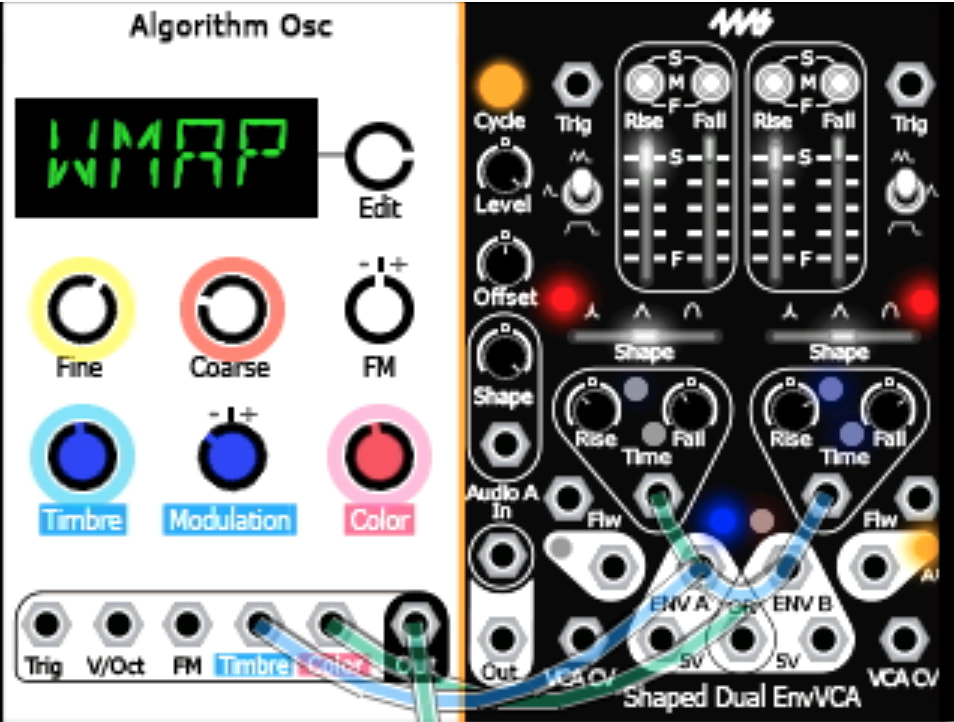
VCV Expanders: Fully supported. Patches with expander modules in VCV will open and run with the same expander connections on hardware. You can view, create and remove expander connections from firmware, too. You need updated plugins that include the expander modules.
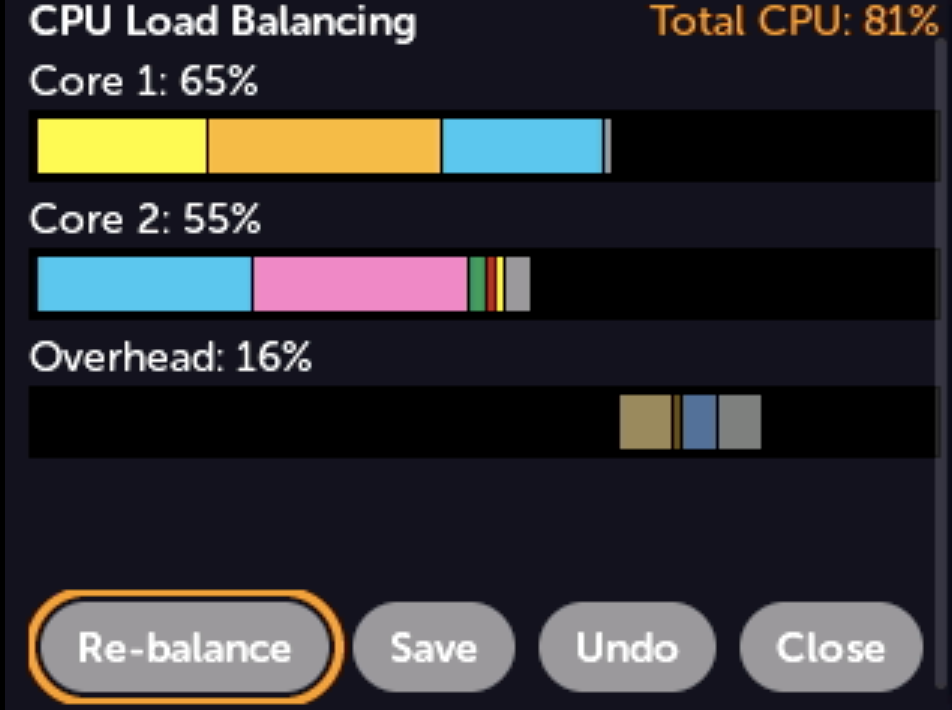
Enhanced Load Balancing: view bar graphs and see per-module load in real-time. Run fuzzy load balancing tests to re-balance module load. Large patches often see 2% or more reduced load, sometimes up to 10%.
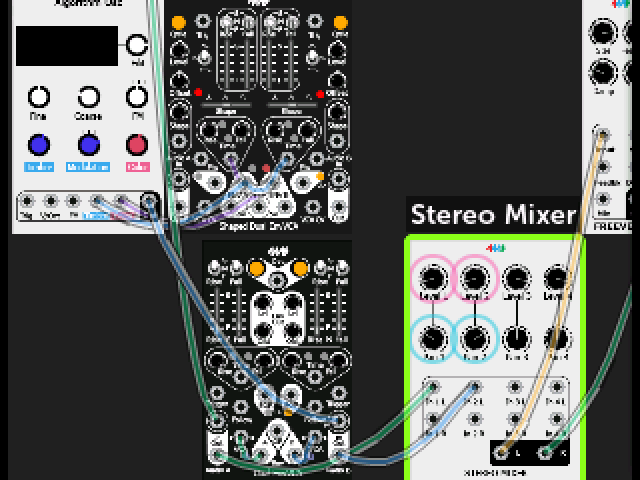
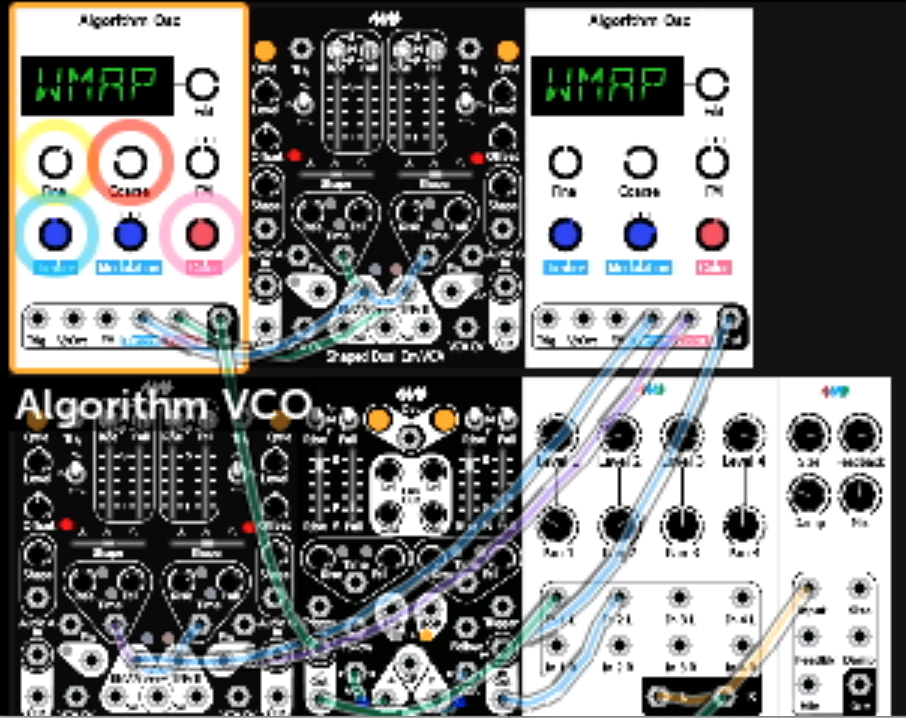
Place modules anywhere: When enabled, modules are drawn at same position as in the VCV rack patch (including gaps and empty rows). You can re-arrange modules, too, moving modules around live in a patch.
New 4ms modules: FadeIn, FadeOut, Keyboard, SoloPush, OctoPush
New Befaco module: Mex (expander for Muxslicer)
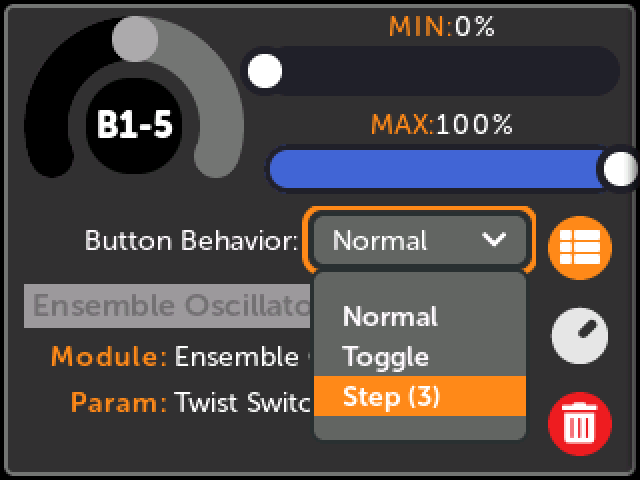
Button Mappings can be set to “Step” mode when mapped to multi-position switches or sliders. Each button press steps through the range of the parameter.
More robust handling of errors for Button Expander and Audio Expander modules
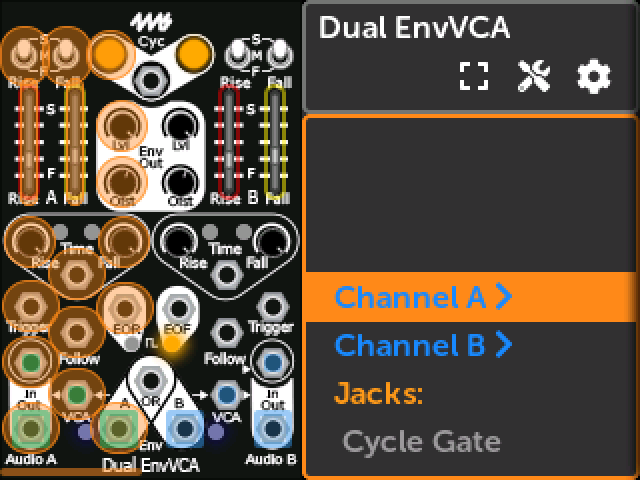
Groups for params/jacks. Plugin developers can group elements together, such as all the controls and jacks in a channel or sub-section of a module. Groups names appear on a single line, and clicking it displays its members.
Also fixed a number of bugs, and added support for the MIDI Expander (which is in production). This includes being able to associate MIDI messages by port (DIN5, TRS, or USB).
SDK and Developer features
Ordering for params/jacks: Plugin developers can specify a custom order for the elements and groups in a module (instead of following the default enum order from the VCV source)
Names for params/jacks: Plugin developers can override the display name of any param or jack when it’s displayed in the element roller. This is useful for cases where the VCV display name is too long to fit in the element roller, or for giving shorter names to elements when they’re shown inside their group.
Context menus for native modules. CoreProcessor-based modules can now natively display context menus
These plugins have been updated with Expanders (they’re included in the latest plugin pack):
To save patches with expanders, module positions, Button mappings in Step mode, and the new 4ms modules, use the updated 4ms VCV plugin v2.3.0 (which is now in the VCV Library)
wow, that’s a another massive update… so many goodies to unpack
I can’t believe the sustained effort you have put into the MM ever since launch, month after month - it was great from the start, but the progress since has been outstanding/unbelievable.
one thought,
having ‘move’ as module option makes sense..
really what it does is put the UI into an ‘arrange’ mode.
I think it might be (marginally) be more useful to have this at the patch/graphics level.
why?
what I found myself doing was reducing the size of the modules to zoom out (done at patch level) to get an overview, then I go to ‘move’ (arrange) to move things around, then go back and zoom back in.
additionally, I found, zoom size = max, and compact, width 120 - means you end up with a linear row of modules which is really nice too for readability.
however, a nice to have…
when you get to the last module, encoder takes to menu row… Id refer it to go first module.
basically we already have the ‘return key’ will go from a row to menu…so Id kind of like to use that as a kind of ‘menu’ button.
ofc, this perhaps is a bit ‘hidden’ for new users, so perhaps an option - “menu hide?”
anyways, awesome stuff… first impressions are this makes the module UI far more readable for me, which as I used to struggle with legibility of some modules labels etc.
thanks again… now off to check everything else… going to be busy!
Not sure if you saw the “Re-arrange” button in the Patch Info panel (“i” icon)? The button bar is logically where a Re-arrange mode button should go, but it’s crowded so Info was the best fit.
There’s probably some room for button bar improvements, like you mention auto-hiding it until you press Back, or a configurable icon size.
thank you so much! i’m continuously blown away by how much work you keep putting into improving the Metamodule, and so spectacularly. i don’t think i’ve ever invested in an instrument/tool that kept getting this much better so quickly and regularly, for so long.