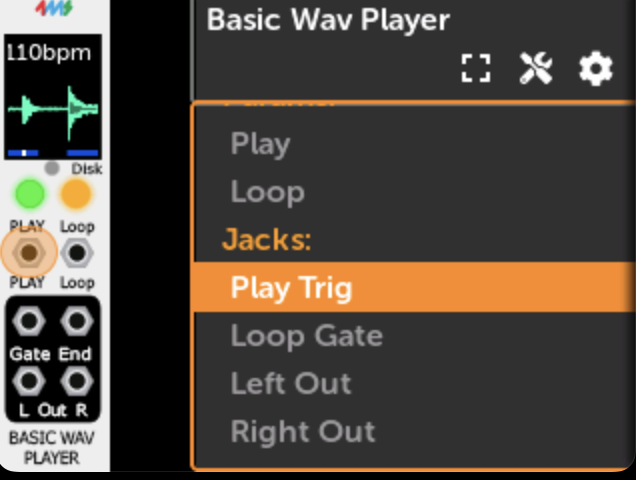
This is a streaming sample player, which means it can play very large files without needing to wait a long time to load the entire file. It also consumes much less memory since only a small portion of the file is loaded at a time.
New features:
In the Module View:
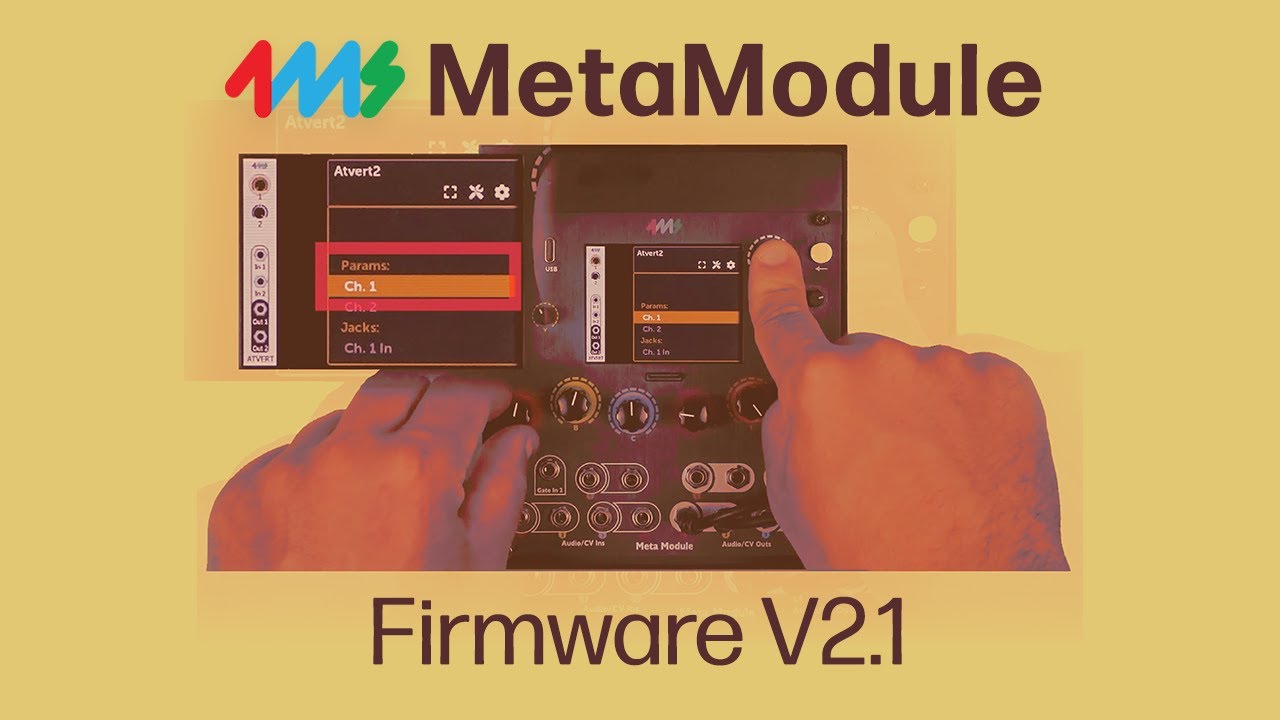
Quick Assign param mappings by pressing and holding encoder while turning a knob (from @etcetc)
Quick Assign panel jack mappings by pressing and turning encoder (from @etcetc)
Clear param or panel jack mapping by pressing encoder and tapping Back (from @etcetc)
Quick adjust a param by pressing and turning encoder.
In Patch View:
Adds “Startup Patch” toggle in the file menu. Also shown in the Preferences.
For plugin developers
Lots of new functions and classes to help create new modules and port existing ones.
See SDK v2.1 released
Instead of pressing the Back button and turning the rotary? Is there another shortcut you can think of that’s faster than that (and isn’t already used)?
Push + turn is what we just used for “quick adjust” a parameter, which makes adjusting unmapped controls a lot easier. But, it doesn’t work in the knob sets page yet.
i’ve actually gotten quite used to a one hand approach: press+hold on the back button with my ring finger, and turning the knob with my thumb+pointer, took a few tries get used to it, but now it seems to feel pretty good to do it this way.
the little ui drop down message at the top has been useful, let’s me know which one im on since i can’t see the colors change under my ring finger