Firmware v2.1.7 (Module Tags)

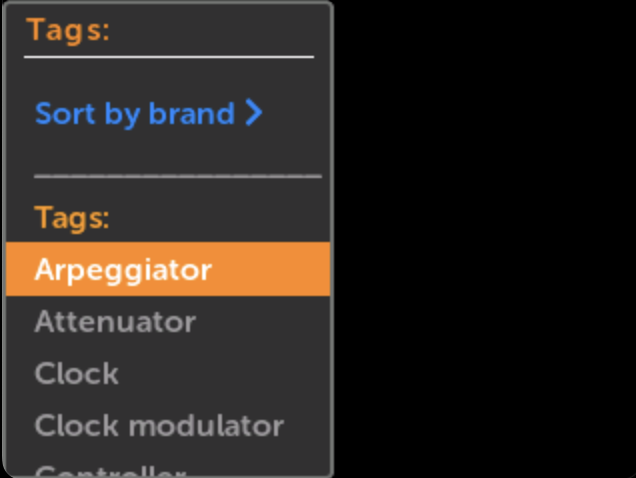
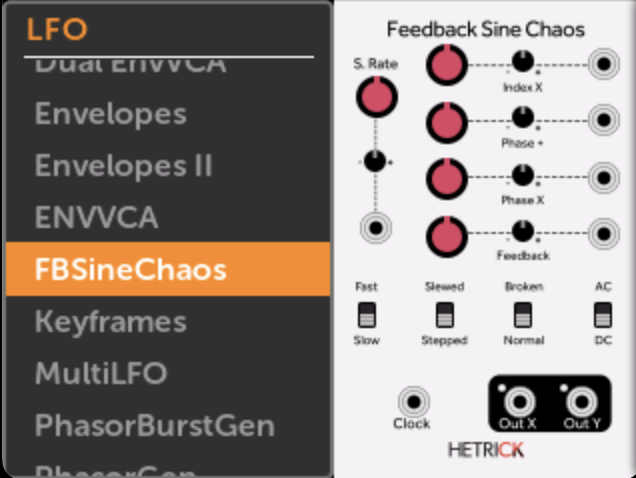
Firmware v2.1.7 adds a very useful feature: Browse modules by tag!
In the Module List, you can sort by Brand or by Tag using the option at the top.
The tags use the official VCV Rack tag aliases (e.g. combining “VCO”, “Oscillator”, and “Voltage controlled oscillator” into one tag), and also allow for custom tags.

Future plugin submissions and updates can therefore add custom tags to modules.

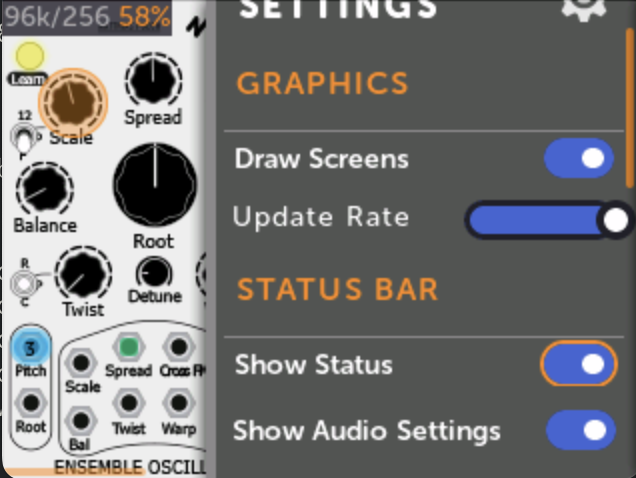
The other feature added is displaying audio rate/block size and CPU load in the module view. This can be enabled/disabled in the Module View display settings menu.
23 Likes

Yes! This is great - thanks Dan!

Great stuff ! Thanks.

That will help a lot! Many thanks.

Amazing!!

Amazing thanks!!!

this is great!

For me it is the most useful update ever. It makes the whole module A LOT MORE explorative and fun to use without a pc or a tablet for reference.

3 Likes

I was relying on the module finder, but with this is so easy exploring new modules without having to check the computer. Amazing!

1 Like

This is the bee’s knees for those of us that have the module but haven’t yet sourced a computer that can run vcv smoothly! :slight_smile: :alien_monster:

2 Likes