Firmware v2.1.2 is out! With some new quality-of-life features:
New Features
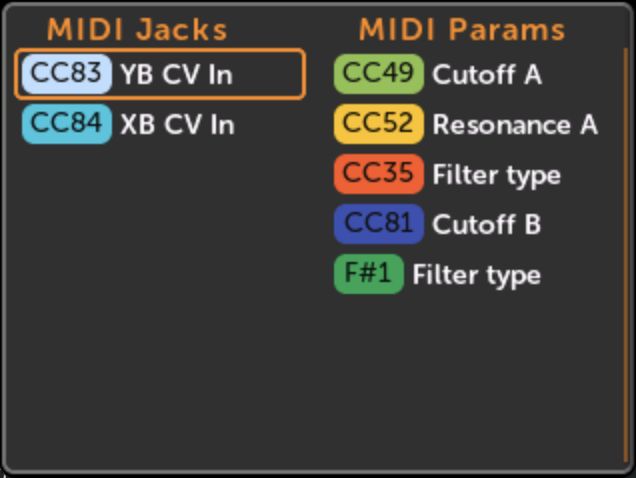
MIDI Maps page: Displays all the MIDI jack and MIDI param mappings for the current patch. To open the page, there’s a button next to the Jacks button on the KnobSet page.
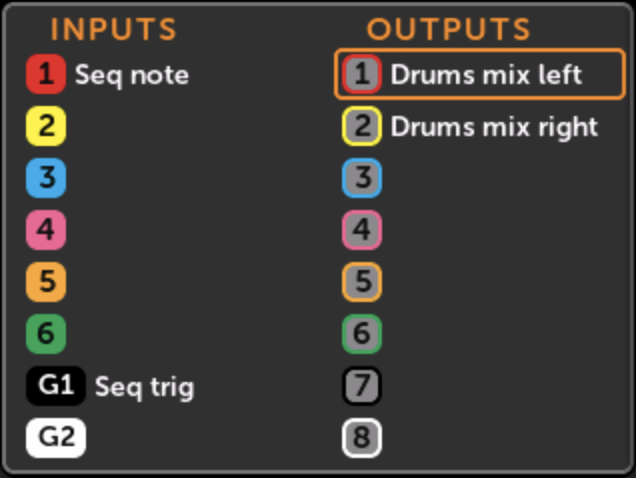
Tweak colors of all mappings, jacks, and cables to make everything more consistent. Also prepares us for having select-able color schemes (e.g. high-contrast, dark-mode, light-mode…)
MIDI Gate Note mappings always display the note name (“F#4”)
Params with a MIDI mapping and a knob mapping display both on the element list
Settings > Info tab can scroll down if needed (this happens more often now that attached MetaButton are displayed there)
Creating a new cable button always is called “New Cable” instead of sometimes “New Connection”
Developer script to create a bootable SD card creates a larger firmware partition so that the latest firmware will fit.
Bug Fixes
Fixed quick assign wrapping from last to first jack incorrectly
Fix plugin API for listing all directory entries not working
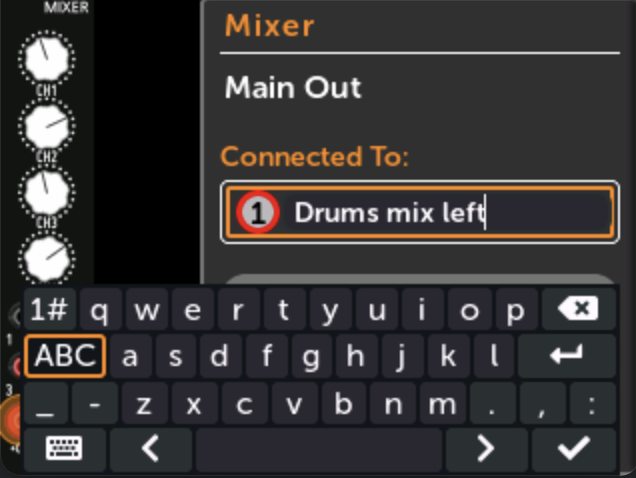
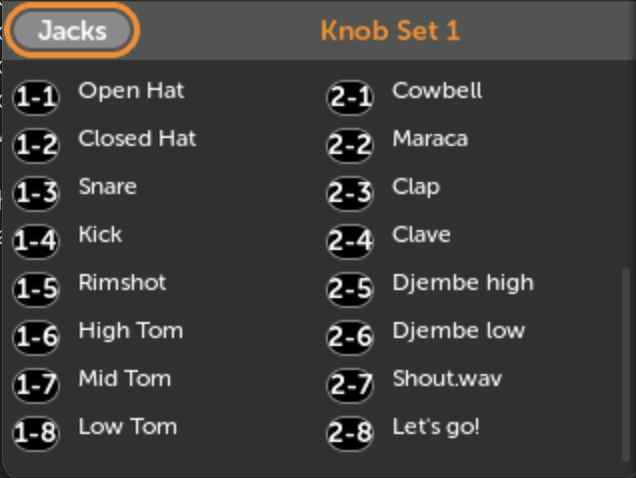
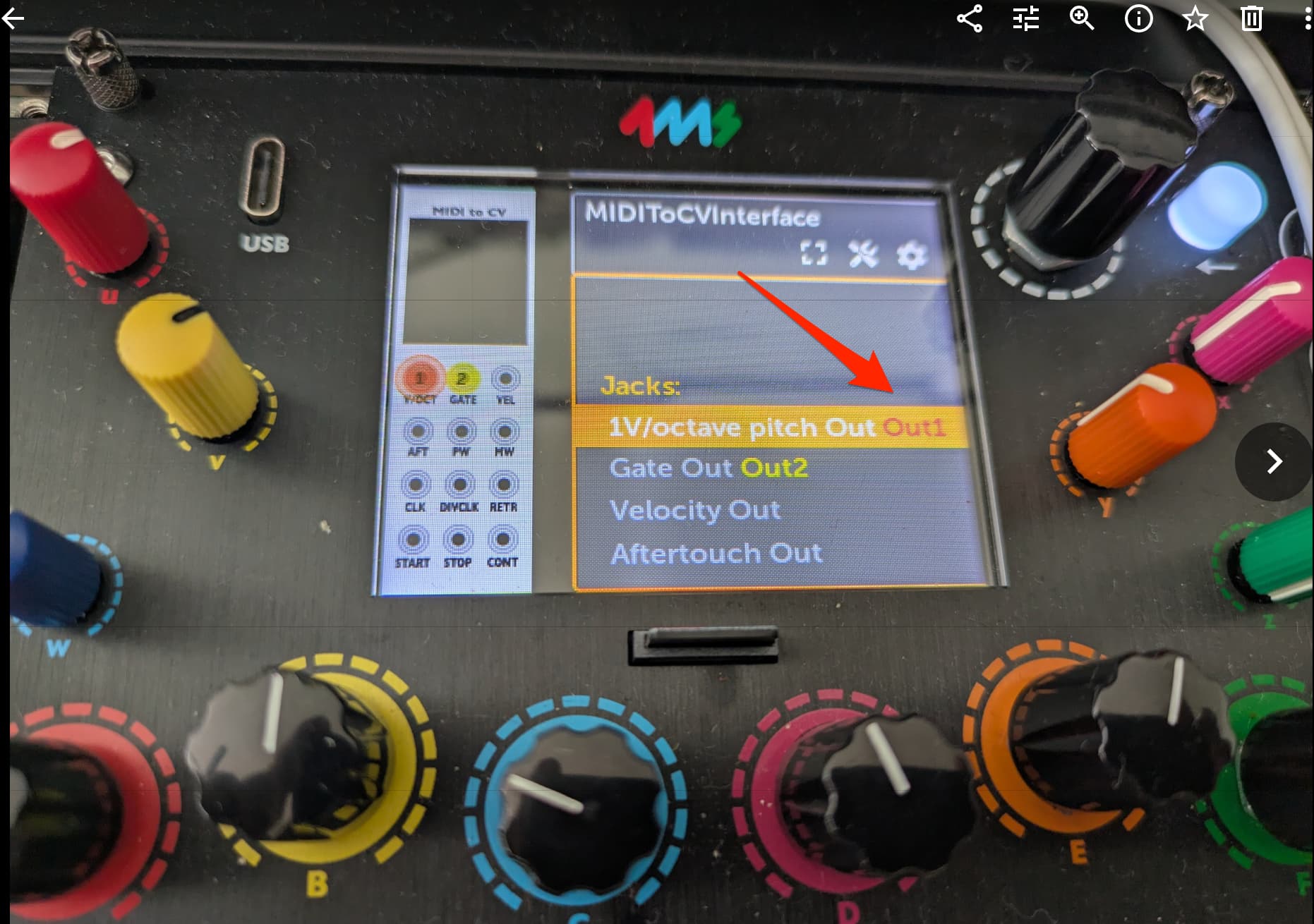
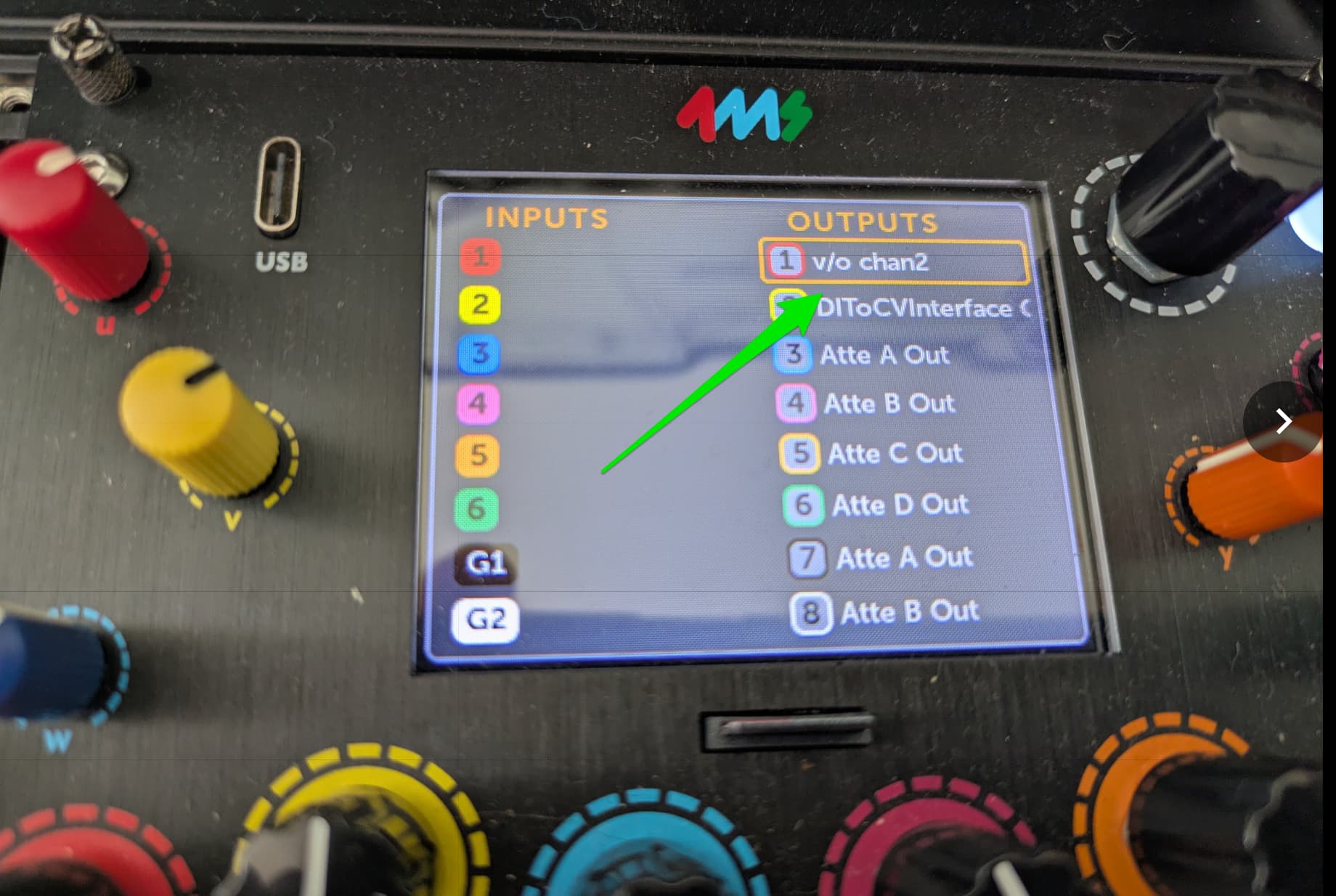
I just created a jack alias on the MM for the Out1 jack (I triggered this edit from the Knob Set → Jacks page) . It shows the new alias on the Jacks page. But the module’s Jacks list still shows the module port connected to “Out1” instead of my new alias. Is that expected ?
Yeah, we debated how to handle that.
That page (element list on the Module View page) uses the physical names (non-alias) for knob mappings already, so we followed suit and used the physical names for jacks as well.
Jack aliases are usually a lot longer than “Out1”, so fitting it there would mean more scrolling items. Also, since there’s already some context for the jack on that page (i.e. the module name, jack name, and module faceplate) it seems less useful to have the aliases here vs. on the Knob Set and Jack Maps pages where there’s no context at all – just a list of jacks and params.
On the other hand, I can see it would be nice to see all aliases on the element list, at least just for consistency. I think it would be easy to add an option for that in the display settings (I just played with it, seems to work)
Hi, thanks for your quick reply. Yeah I’m not sure what would work better either… its good to at least understand it is not a bug. Your point about context is well made. Will be interesting what the wider user base (ie. not just me) makes of this…
I went ahead and added these options, since I was working in the settings menu anyways and the code was right there. I think it’s a good idea now that I play with it! And of course it’s optional, so there’s not much downside.